From the sensor to the photograph
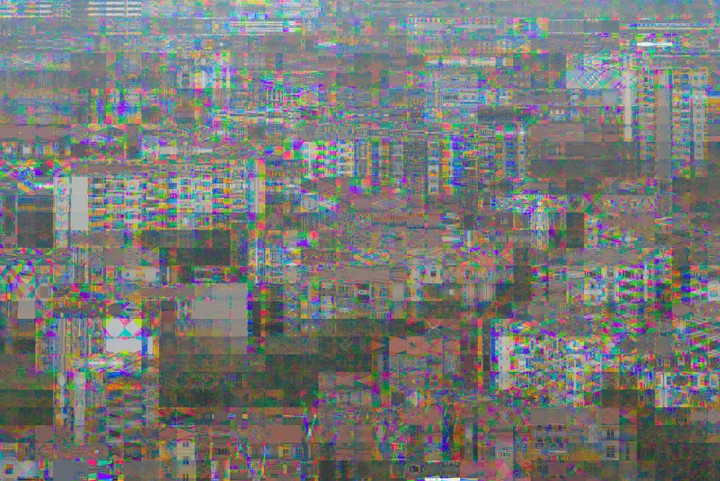
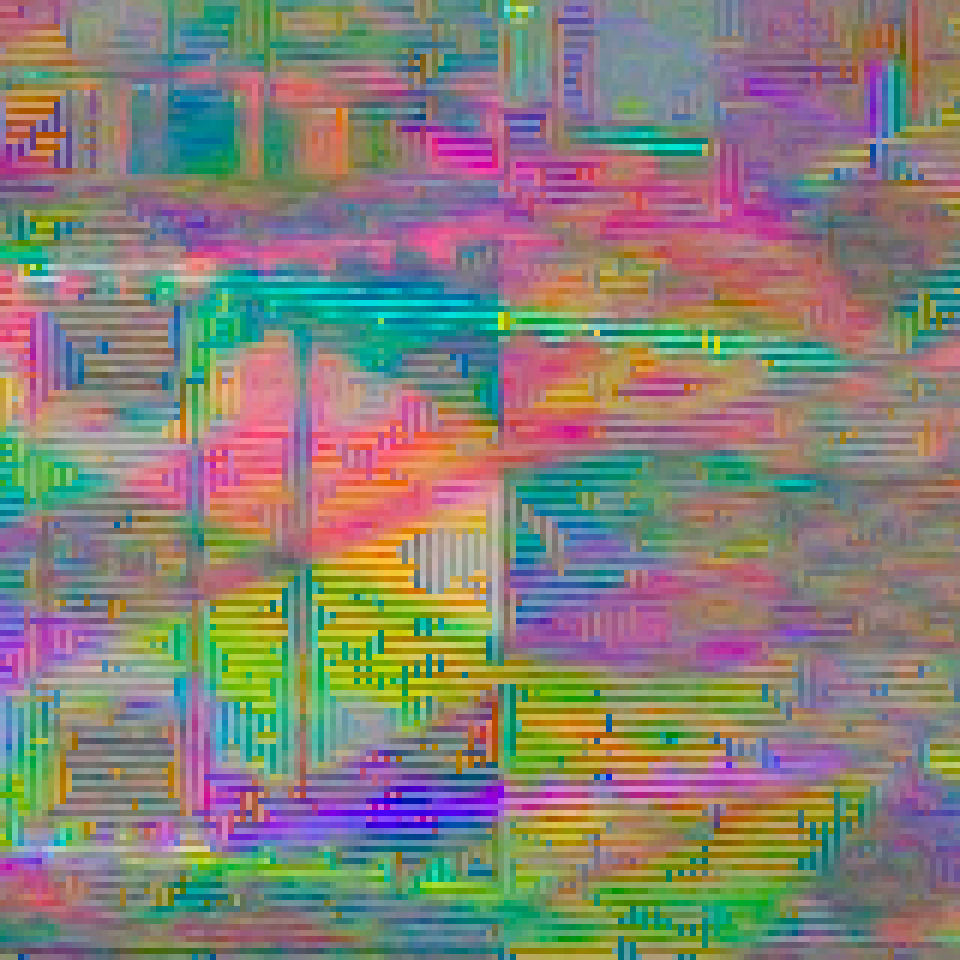
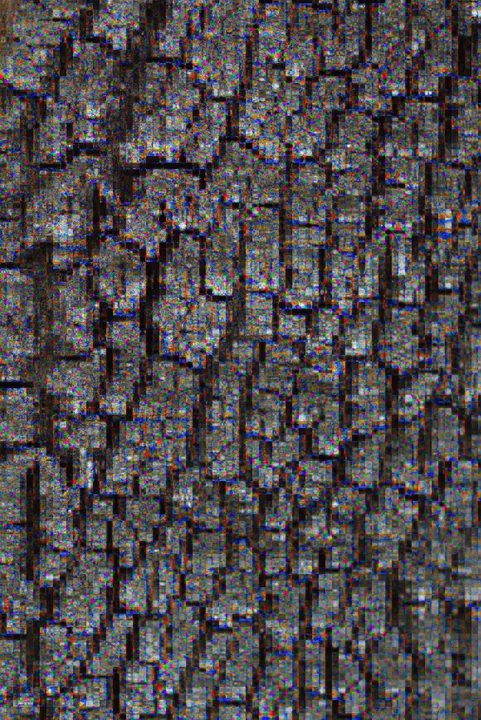
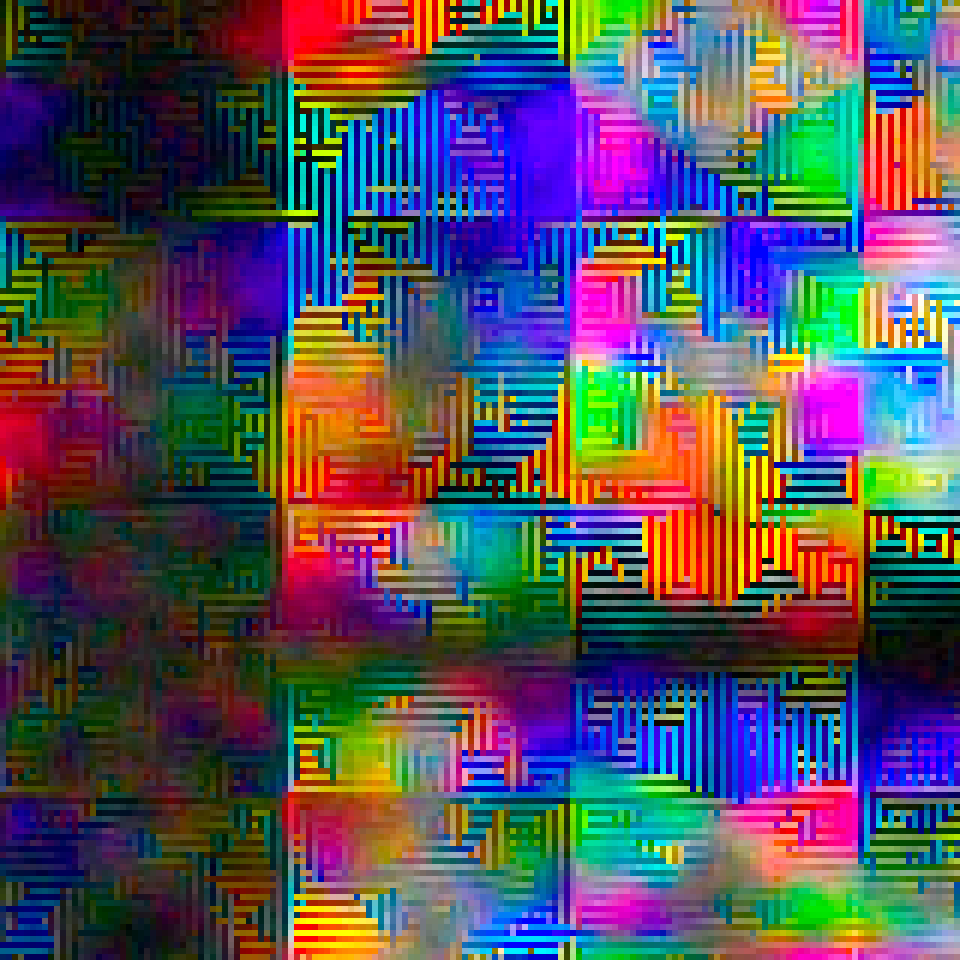
These are my photographs from the original EOS M, developed from the camera-processed CR2 files. Each photograph sits beside a matching 160 × 160 pixel crop, enlarged six times to reveal the pattern.
Matching detail · 6× enlargement
City blocks, drifting
Repeating colour patterns break up the buildings and fine edges.
Matching detail · 6× enlargement
A little rough around the edges
Natural texture picks up coloured fringes and beaded detail.
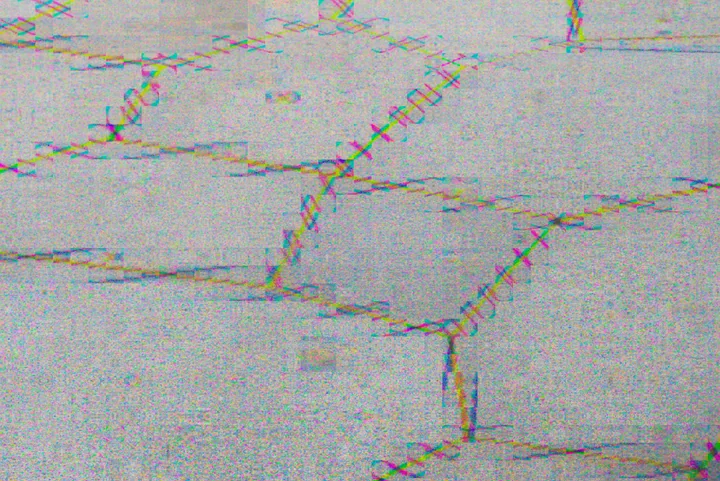

Matching detail · 6× enlargement
Interference in the mortar
Brickwork reveals the small repeating patterns around lines and edges.
Photographs © Max Seelig (MAXmade). Developed with camera white balance; no extra glitch filter is added for this showcase. Colours depend on the RAW converter. Capture recipes are not attributed to these examples.
Project Overview
Bayer Drift is my creative Magic Lantern module for the original Canon EOS M. It shifts the registration of the sensor’s colour samples in small repeating tiles, creating false colour, beaded edges and patterned interference. Take a photograph with the normal shutter button: the effect is saved directly in the Canon CR2 RAW file.
Core Highlights
- Rearranges original 14-bit samples within their own Bayer colour planes
- Subtle, Crunchy and Overdrive presets, plus manual controls
- Dots, horizontal and vertical patterns with adjustable texture size
- Shuffle a recipe and keep it until you change it
- Normal shutter, autofocus, Canon RAW saving, review and playback
- Effect state and recipe remembered after restart
Technical Stack
Project Status
Compose normally. Discover the drift.
LiveView stays the normal Canon view. Compose and focus as usual, then judge the effect in the captured image. The module rearranges existing sensor samples: it adds no random noise and uses no AI image generation.
Start with Subtle, Crunchy or Overdrive, or build a Custom recipe. Adjust strength from 1–8, choose Dots, Horizontal or Vertical, set a Fine, Medium or Coarse texture, and change the phase from 1–4. Shuffle chooses a new recipe that stays fixed until you change it.
Look closer
Explore the photographs at 2×, 4× or 8× in the project website’s pixel viewer. Choose a spot in the overview, then drag the close-up to inspect the developed image pixels.
Explore the photographsUse Bayer Drift on your camera
Bayer Drift supports the original Canon EOS M with Canon firmware 2.0.2 and the EOSM.202 Magic Lantern development build from June 20, 2025 (module API 8). Use A+, Auto ISO, Canon RAW, single-shot drive and the native 1× LCD view. Other cameras and builds, movie recording and bursts are outside the supported setup.
Magic Lantern must already be installed. With the camera powered off, copy bayer.mo to ML/MODULES on the card. Enable it in the Modules tab, disable
other MAXmade effects and restart. Open Shoot → Bayer Drift, turn Photo effect ON, choose a recipe,
close the menu and wait for ON - Ready before taking a photograph. The repository has the full
installation and troubleshooting instructions.
More experiments with the EOS M
Bayer Drift grew out of an accidental Bayer-registration effect while I was developing Mirror Worlds. Explore that project for mirrored compositions, or Kaleido for repeating kaleidoscope patterns.