A different point of view
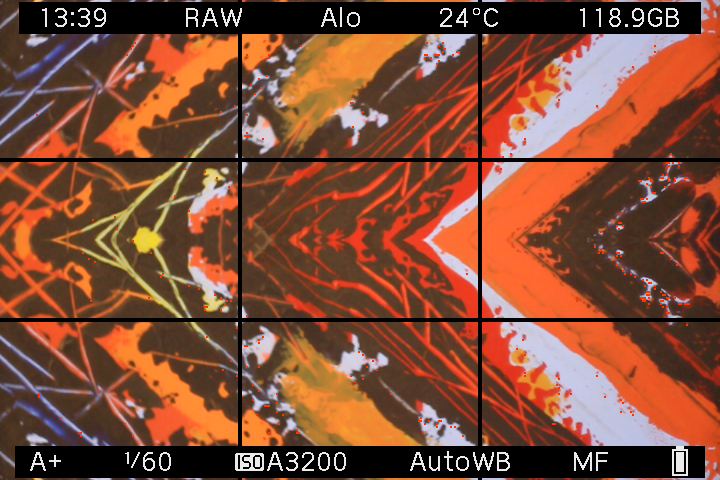
This is an on-device LiveView screenshot, not an exported CR2 photo. The examples below are browser-rendered illustrations using an AI-generated starting scene. Mirror Worlds itself uses no AI.
Project Overview
Mirror Worlds turns the original Canon EOS M into a tool for creative reflection photography. Fold a building into impossible architecture, invent a second horizon, or surround a subject with mirrored borders. Compose the effect in LiveView, press the normal shutter button, and keep the result in a Canon CR2 RAW photo.
Core Highlights
- LiveView mirror effects captured directly in Canon CR2 RAW photos
- Seven placements: individual edges, opposing sides, or all four edges
- 44 usable combinations, with border sizes from half to sixth
- Normal shutter, autofocus, Auto ISO, camera review, and playback
- Effect, placement, and size settings remembered after restart
- Interactive browser playground, including your own photos
Technical Stack
Project Status
One scene. A few other worlds.

Left + Right · Quarter
Keep the central half and reflect it into the outer quarters.

Bottom · Third
Reflect the scene into the bottom third to create a second horizon.
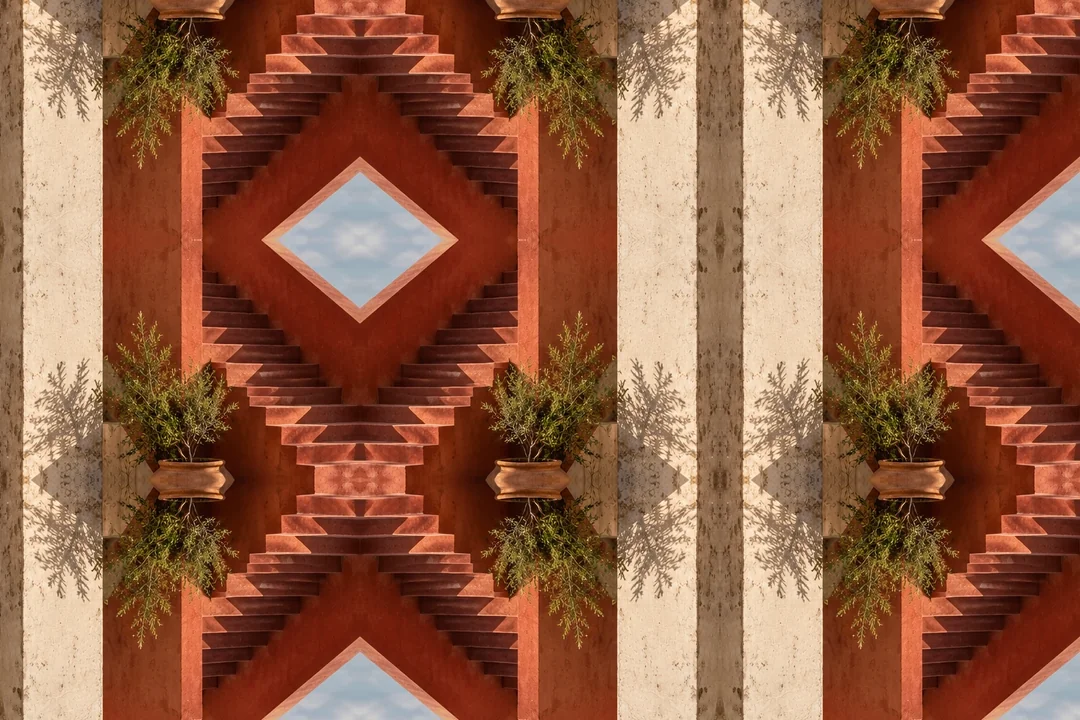
All edges · Third / Third
Surround the original center with reflections, including the corners.
Try the placements and sizes in the website's interactive playground. You can also choose your own photo; it stays in your browser.
Try a mirrorMade for the original Canon EOS M
Mirror Worlds is an add-on module for an existing Magic Lantern installation. It was developed and tested on the original Canon EOS M; other cameras and other EOS M models have not been validated.
- Camera
- Original Canon EOS M · Canon firmware 2.0.2
- Magic Lantern
- Dev build 2025-06-20 · EOSM.202
- Tested shooting setup
- A+ · Auto ISO · Canon RAW · single-shot drive
- LiveView
- Native 1× view · Global Draw ON
The supported workflow is single RAW photos. Bursts, video, remote triggers, and long exposures are outside its scope. The module saves the mirrored result without a companion original; turn the effect off to take ordinary photos.
Choose a fold. Take a photo.
Download the prebuilt module from GitHub and follow the installation guide for your camera setup. Once enabled, choose the edges and sizes under Shoot → Mirror Worlds, close the menu, and use the physical shutter. Your last settings return after a restart.